
Charging your electric vehicle is easier!
MELIB is the management system for the public network of electric vehicle charging points in the Balearic Islands.

A new mobile app that improves the user experience.

A 24-hour telephone incident service, 365 days a year
(Tel. 871 027 958).

A preventive and corrective maintenance system for the charging points that have joined it.
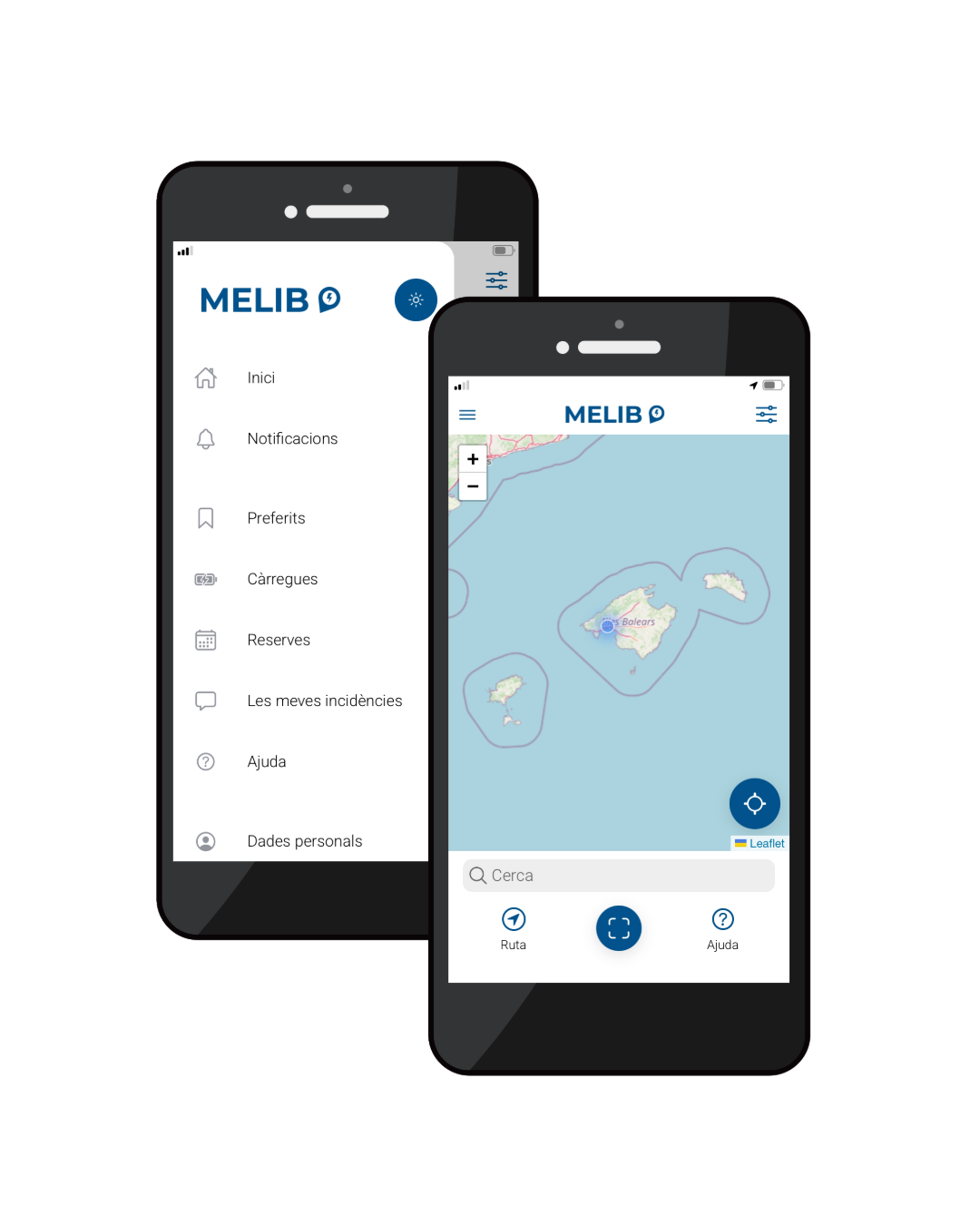
NEW 'MELIB' APP
Discover the new «MELIB» app: more efficient and with new features for iOS and Android.
Download it here:


MELIB is being updated!
In April the new MELIB app will be launched. For this reason, all users will need to download the new «MELIB» app for Android or iOS.
What should you bear in mind?
- In April both apps will work, but if you have problems with the old app, please use the new one.
- For technical reasons related to the migration of the charging points, there will be chargers where the MELIB or TIB card will not work. In this case, you must use the new app.
- Once the migration of the charging points is complete, all chargers will work with the card again.
If you are already a user, what should you do?
1. Download the new app «MELIB»
2. Reset your password
To access the new platform you will need to reset your password. You can do this:
- Through the following link: reset password.
- By logging in to the new app and clicking on «I have forgotten my password».
3. Update your personal details
Once your password has been reset, when you access the new app you will be asked to:
- Complete your personal details.
- Accept the terms and conditions of use and our privacy policy.
- Add your payment methods, if necessary, in order to manage paid charging sessions.
If you have any questions or need assistance during this process, please do not hesitate to contact our support team by writing to info@melib.es.
We also recommend that you keep visiting the website melib.es and our social media channels to keep up to date with the latest news and updates.
Link your TIB card
If you already have a TIB card, you can link it to your MELIB user account. You do not need to apply for a MELIB card.
To request the linking, you need to know the RFID number of the TIB card.
Where can you find it?
1. Using an Android device, download a mobile app that can read NFC cards and scan your card by holding it close to the phone. Remember that to scan the card you need to enable the NFC function on your phone.
Send us an email to altas@melib.es with the following details:
- serial number scanned with the NFC app: type AA:BB:CC:DD
- full name
- ID card or passport
- email address linked to the app
Send an email to altas@melib.es in which you state the applicant’s details (full name and ID card number), the email address registered in the «MELIB» app and the RFID number of the card.
2. Go to an office for the energy transition and request the linking.
Request a MELIB key fob
If you would like to request a new MELIB key fob, you can do so through the following form.
This service costs €5. When you submit the form, a pop-up window will open to make the payment via CaixaBank. Once your key fob has been issued and linked, we will contact you by email with the delivery instructions.